
TL;DR: Callstrike's free voice phishing simulator lets you hear your own voice converted into someone else's in real time, in the browser, with no signup. Pick one of five caller personas, speak for 60 seconds, and hear yourself delivering a real vishing pretext in a stranger's voice. The tool uses real-time voice conversion rather than text-to-speech, which is the technique behind live vishing calls. Sessions are capped at 60 seconds and nothing is stored after the session ends. It exists to show security teams and their employees what a cloned-voice call actually sounds like.
Reading about voice cloning does nothing. Hearing yourself cloned does.
Every security team has now read that attackers can clone a voice. It is in every threat report and every vendor deck. And almost nobody has actually heard it happen to their own voice.
That gap matters, because the written version of this threat is easy to dismiss. "Our finance team would spot it." Maybe. But the thing that changes minds is not a statistic. It is hearing your own sentence come back in somebody else's voice, at conversational speed, with your pauses and your intonation intact.
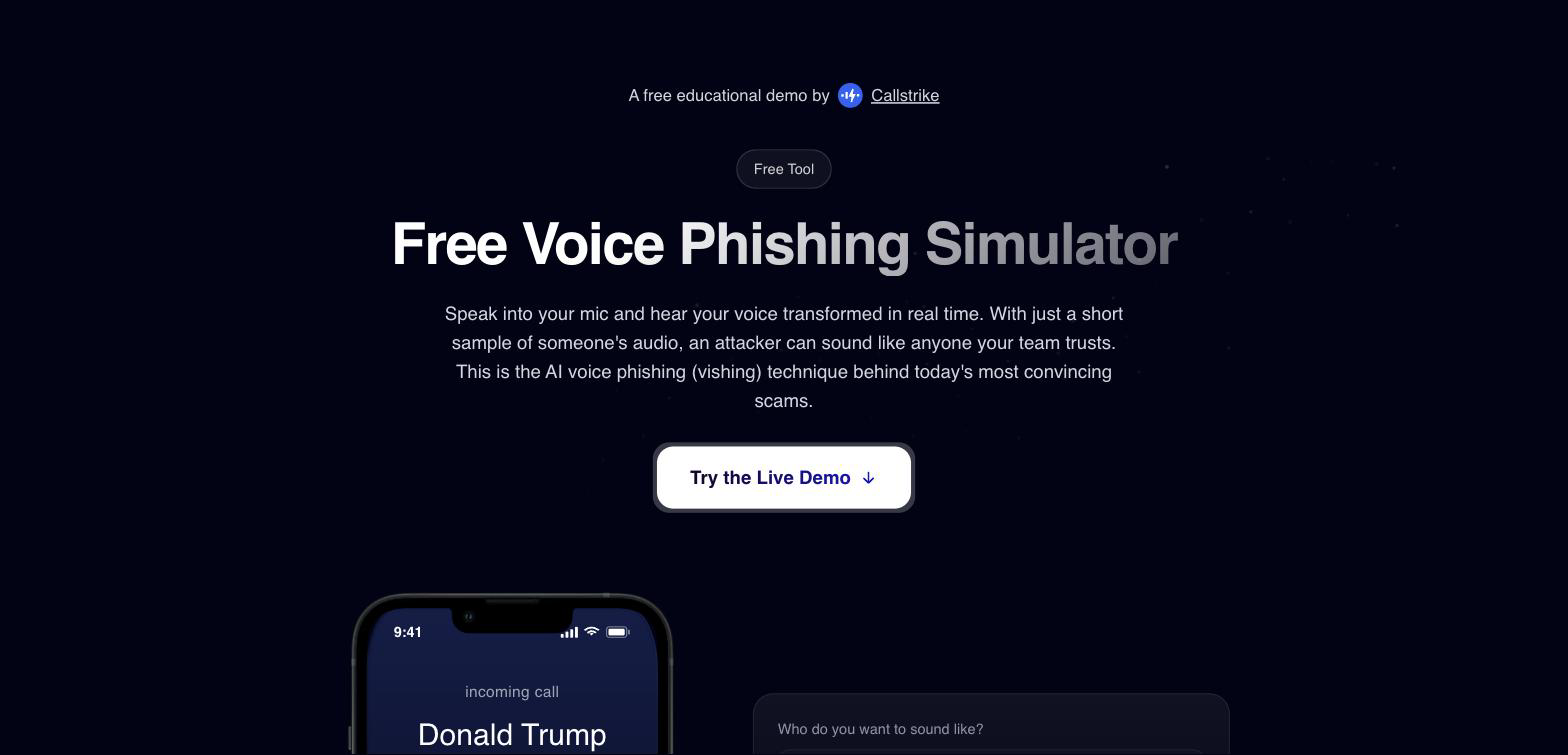
So we built a free voice phishing simulator. Open it, pick who you want to sound like, allow the microphone, and talk. You hear the converted version of your own voice come back in real time. No signup, no contract, no download.
What you need to run it
Almost nothing. That is the point.
- A browser and a microphone. It runs entirely in the browser. There is no install and no account.
- A quiet room. The model converts everything it hears, so background noise and other voices get converted along with you.
- 60 seconds. That is the session cap.
- Headphones, optionally. They help you hear the output cleanly, but they are not required.
How the simulator works, step by step
Step 1. Choose who you want to sound like
The picker offers five caller personas. Your Boss, A Colleague, IT Support, an Unknown Caller, and Donald Trump. The first four are the roles that actually show up in vishing calls. Trump is there for a different reason, which is that most people know exactly what he sounds like, so he is a useful control for judging how good the conversion really is.
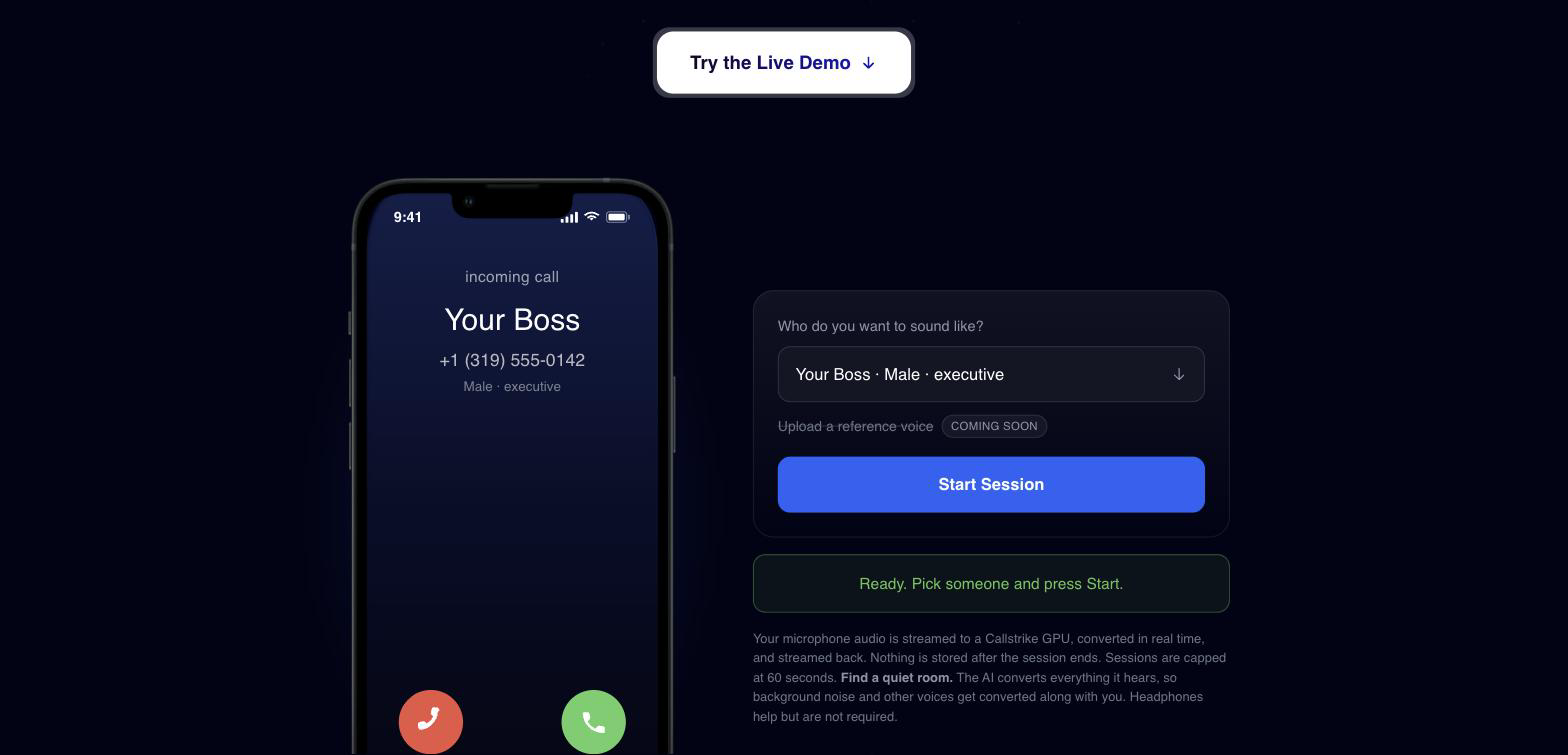
Whichever you pick, the phone mockup on the left updates to show the incoming call as your target would see it. Caller name, number, and role.
Step 2. Start the session and allow your microphone
Press Start Session. The browser asks for microphone access, then the request goes into a queue for a GPU.
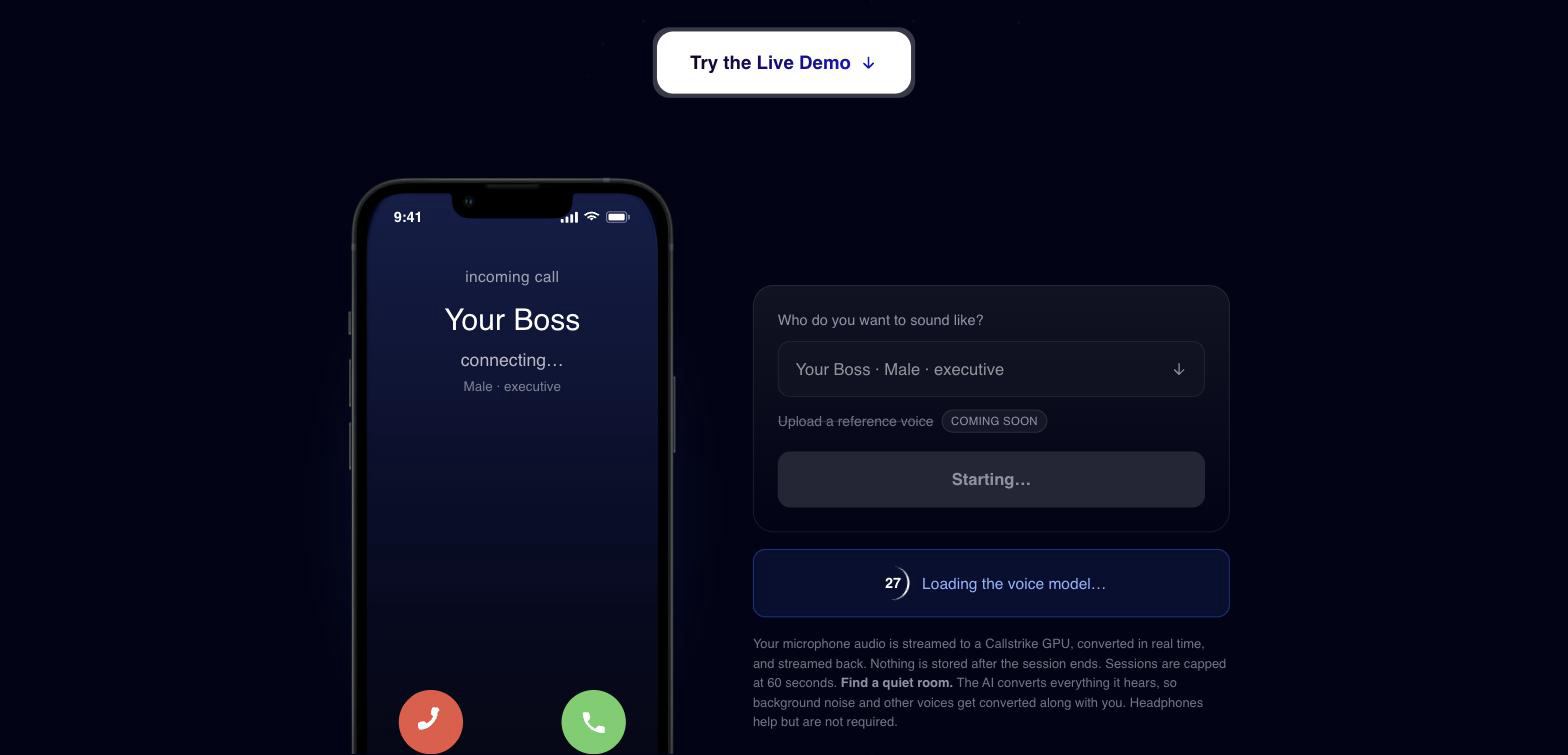
If a GPU has to wake up, you will see a countdown while the voice model loads. This is usually 30 to 60 seconds from cold. There are only nine of these sessions available worldwide at any moment, because one GPU serves exactly one person. If everyone is busy you will be told your place in the queue and roughly how long the wait is.
Step 3. Say the line
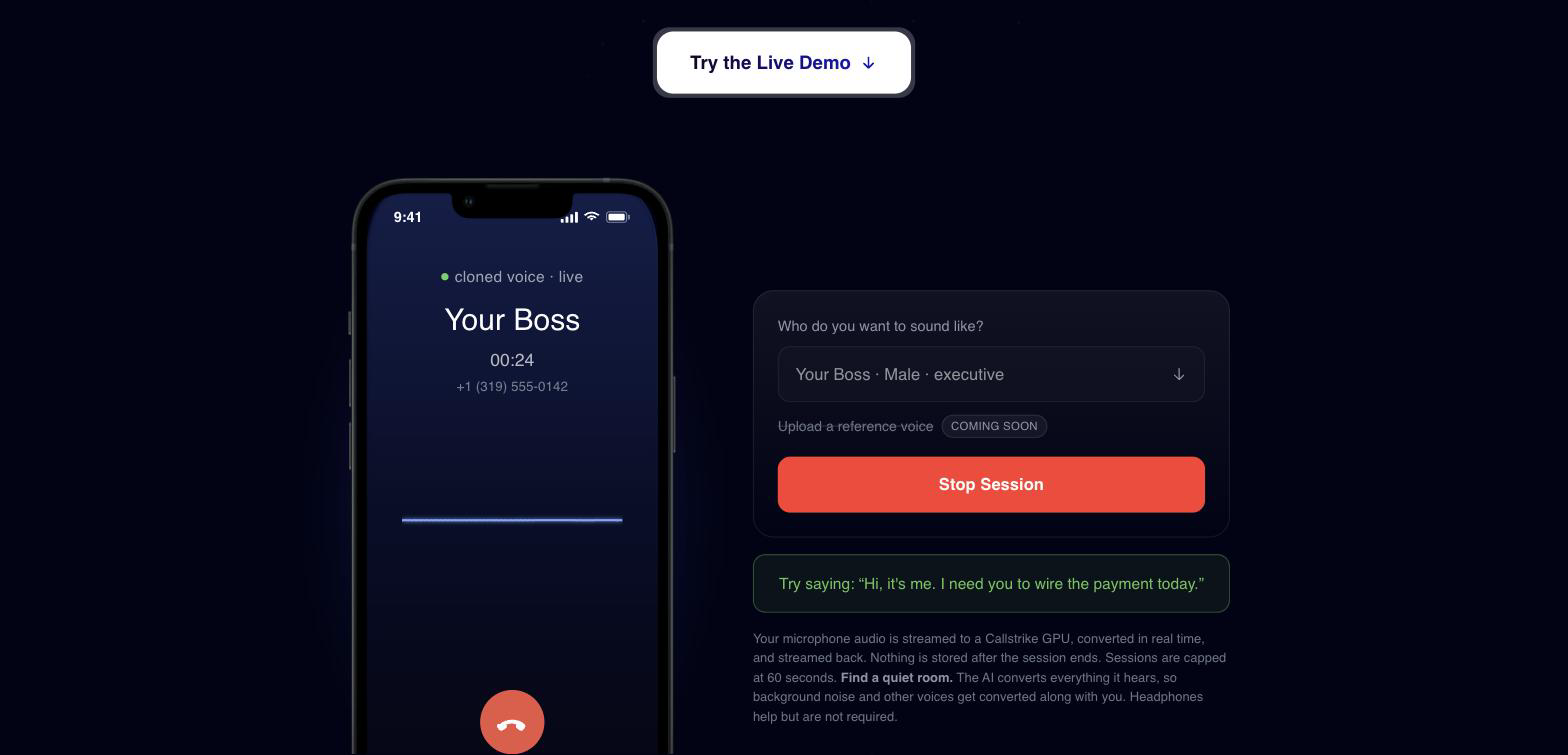
Once the session goes live, the panel suggests a line to say. It is not a generic "say something". Each persona carries the pretext that persona would really use.
Your Boss suggests "Hi, it's me. I need you to wire the payment today." IT Support suggests "This is IT. I'm resetting your account. Can you read me the code you just got?" A Colleague asks you to send the client list because they are locked out.
Say it out loud. You will hear it back, in their voice, while you are still speaking.
This is the part that lands. You are not listening to a demo of a scam. You are performing one, and hearing how ordinary it sounds.
Why this is voice conversion and not text-to-speech
Most tools marketed as voice cloning are text-to-speech. You type a sentence, the model synthesises it in a target voice, and you get an audio file back. That is enough for a voicemail. It is not enough for a phone call.
This tool does something different. It takes the audio of you speaking and converts it into the target voice in real time, keeping your timing, your emphasis, and your hesitations. Your speech drives the output.
The difference matters operationally. A voicemail can be scripted in advance. A live call cannot. On a real vishing call the target asks a question, pushes back, or says something unexpected, and the attacker has to answer right then. Text-to-speech cannot hold that conversation. Real-time conversion can, because there is a human improvising underneath it. That human supplies the judgement, and the model supplies the voice.
That is the same capability behind human-in-the-loop voice phishing, where a live operator runs the call with a cloned voice on top. The free tool is a stripped-down version of that engine, pointed at you instead of at a target.
What the tool deliberately does not do
Being straight about the limits, because they are load-bearing.
You cannot upload a voice. The five personas are reference voices baked into the worker image. There is no upload path, and the option is greyed out in the UI. This is a demonstration of the technique, not a service for cloning a specific named person from a sample you supply.
Sessions are 60 seconds and there is a cooldown. After a session you cannot start another for 30 minutes. Nine GPUs serving the public internet is a small pool, and the cooldown is what stops one person holding it all day.
It converts everything, not just you. Background speech and noise get converted too. In a real attack that is a constraint on the attacker as well, which is worth noticing.
Nothing is stored. The audio is streamed to a GPU, converted, and streamed back. There is no recording after the session ends.
The point of shipping it free is that a five-minute experience does more than a five-page report. Once somebody has heard their own voice say "I need you to wire the payment today" in their boss's voice, the conversation about AI vishing training stops being theoretical. It is also the cheapest way to make the case for security awareness training that covers voice and not only email. That is why we built the deepfake video version of the same idea, and why the whole company exists in the first place.
Frequently Asked Questions
Q: Is the voice phishing simulator really free?
A: Yes. There is no signup, no account, and no credit card. Callstrike runs its own GPU infrastructure for voice conversion, which is what makes a free self-serve tool viable. The only limits are a 60 second session cap and a 30 minute cooldown between sessions, both of which exist to share a small GPU pool fairly.
Q: Can I clone a specific person's voice with it?
A: No. The tool offers five fixed reference voices and has no upload path. It demonstrates what real-time voice conversion sounds like, not who it can be pointed at. Cloning a named individual for an authorised simulation is part of the Callstrike platform, which is gated behind consent and audit controls.
Q: How is this different from a voice changer?
A: A voice changer applies pitch and formant effects to your voice. It still sounds like you, processed. This performs voice conversion with a neural model, so the output carries the target speaker's identity while keeping your speech timing. The result is a different person saying your words, not a filtered version of you.
Q: Why do I have to wait in a queue?
A: Voice conversion is stateful, so one GPU serves exactly one person at a time. Callstrike runs nine of these worldwide for the free tool. If they are all busy you join a queue and the page shows your position and an estimated wait. A cold GPU takes 30 to 60 seconds to load the model.
Want to hear it? Try the free voice phishing simulator. It takes about a minute and there is nothing to sign up for.
Want to run this against your own organisation, with live operators and a cloned executive voice? Book a demo to see the full platform.
Share this article
Found it interesting? Don't hesitate to share it to your friends or colleagues